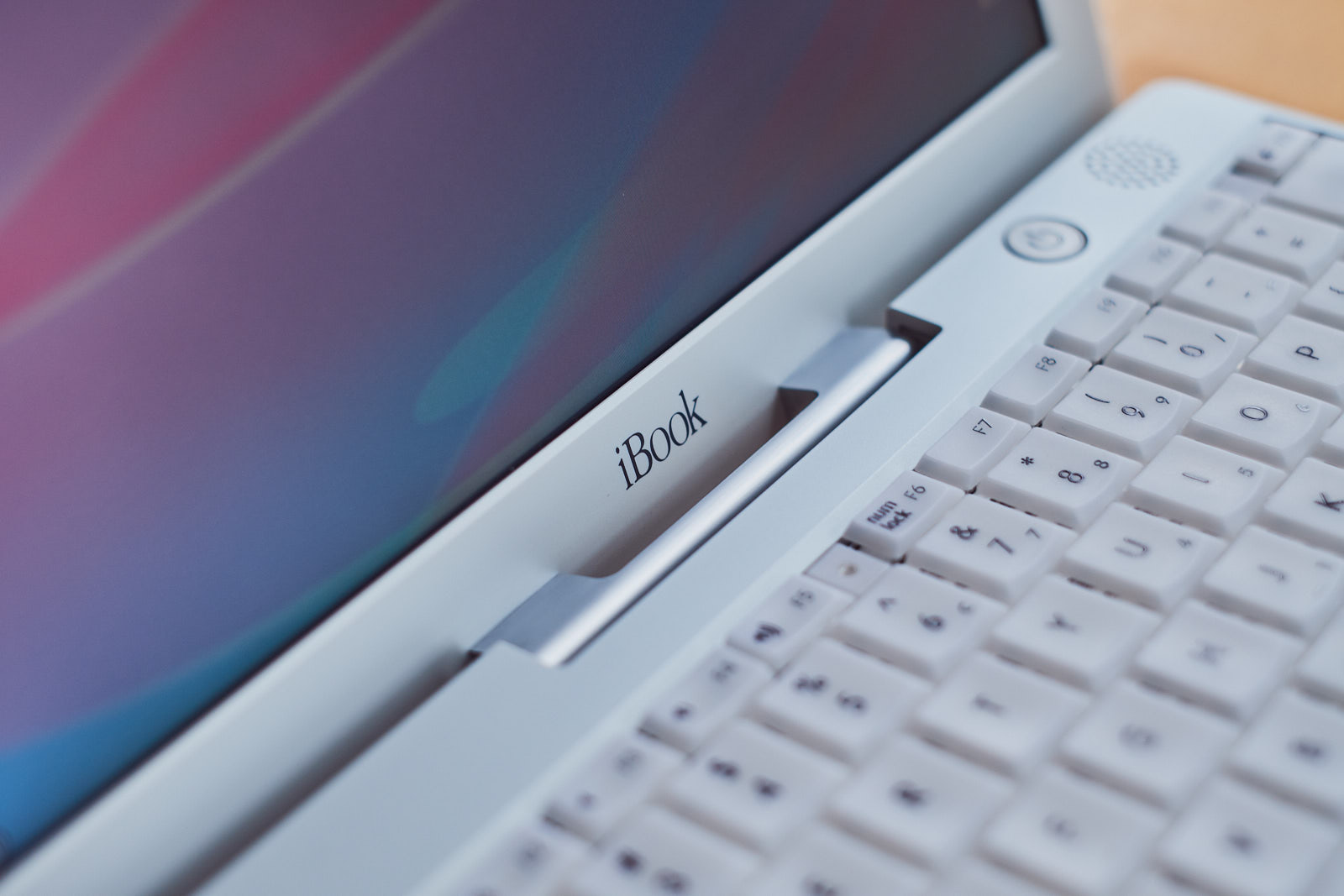
An exploration of Mac OS 9 and the 2001 iBook G3 Dual USB
After getting my iBook G4 and searching for information regarding this device, I often stumbled over the iBook G3 Snow as well. While sporting a similar design language, the transparent casing and keyboard sparked my interest.
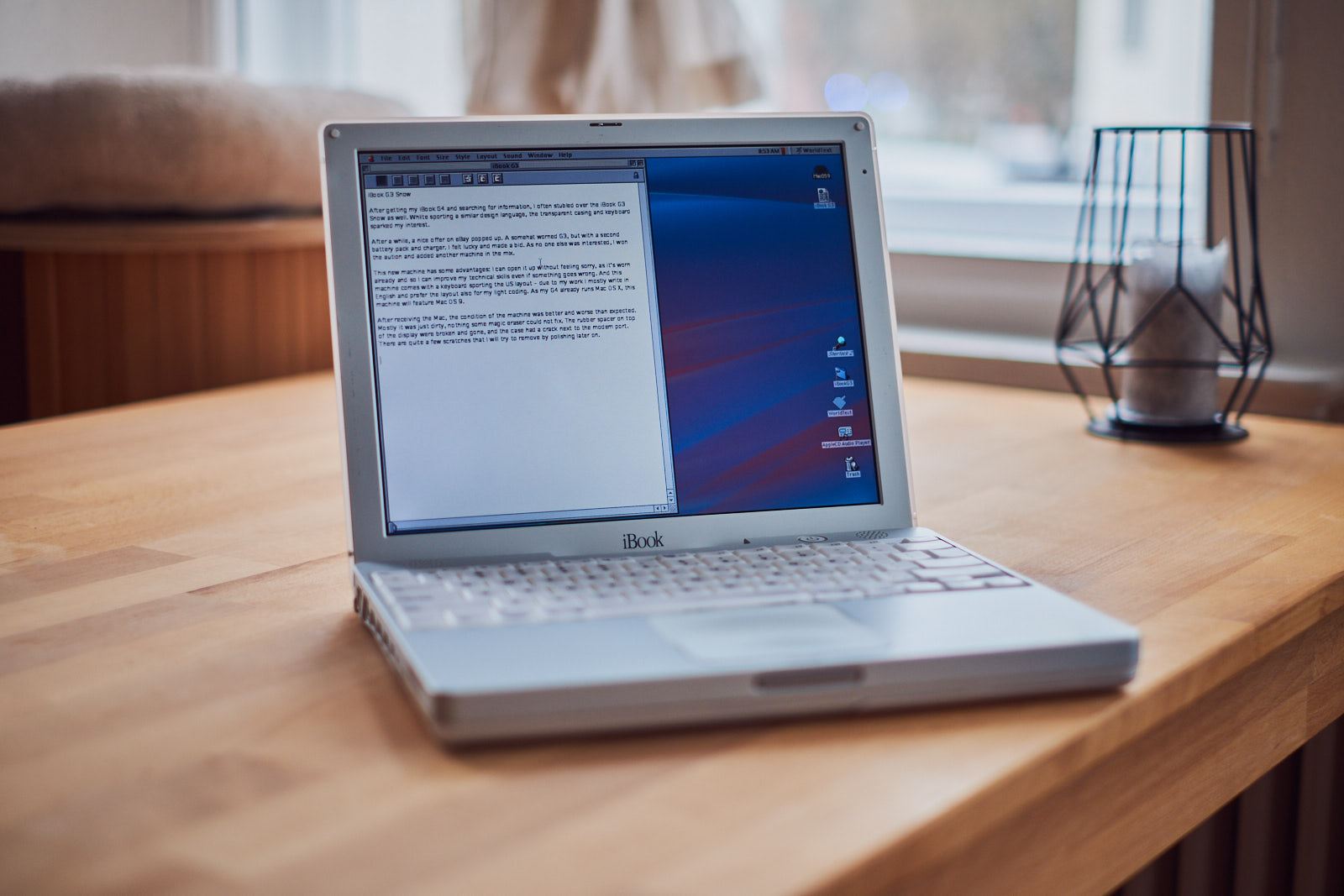
And after a while an offer on eBay popped up. A somewhat worn G3, 500 MHz with 256 MB RAM, but coming with a second battery pack and a charger. I felt lucky and made a bid. As no one else was interested, I won the auction and added another machine to my collection.
This new machine has some advantages: I can tear it up without feeling sorry, as it's worn already – I might improve my technical skills and if something goes wrong I don't have feel too bad about it. This machine comes with a US keyboard – due to my work I mostly write in English and began to prefer the layout in general. my G4 already runs Mac OS X 10.4, I want to give Mac OS 9 a go here.
I was happy to see that of the two batteries that came with the machine, one was working pretty fine. There should be enough juice for around 3–5 hours of work, like writing this post. The second one is already completely dead, maybe if I'm lucky I can revive and rebuild it.
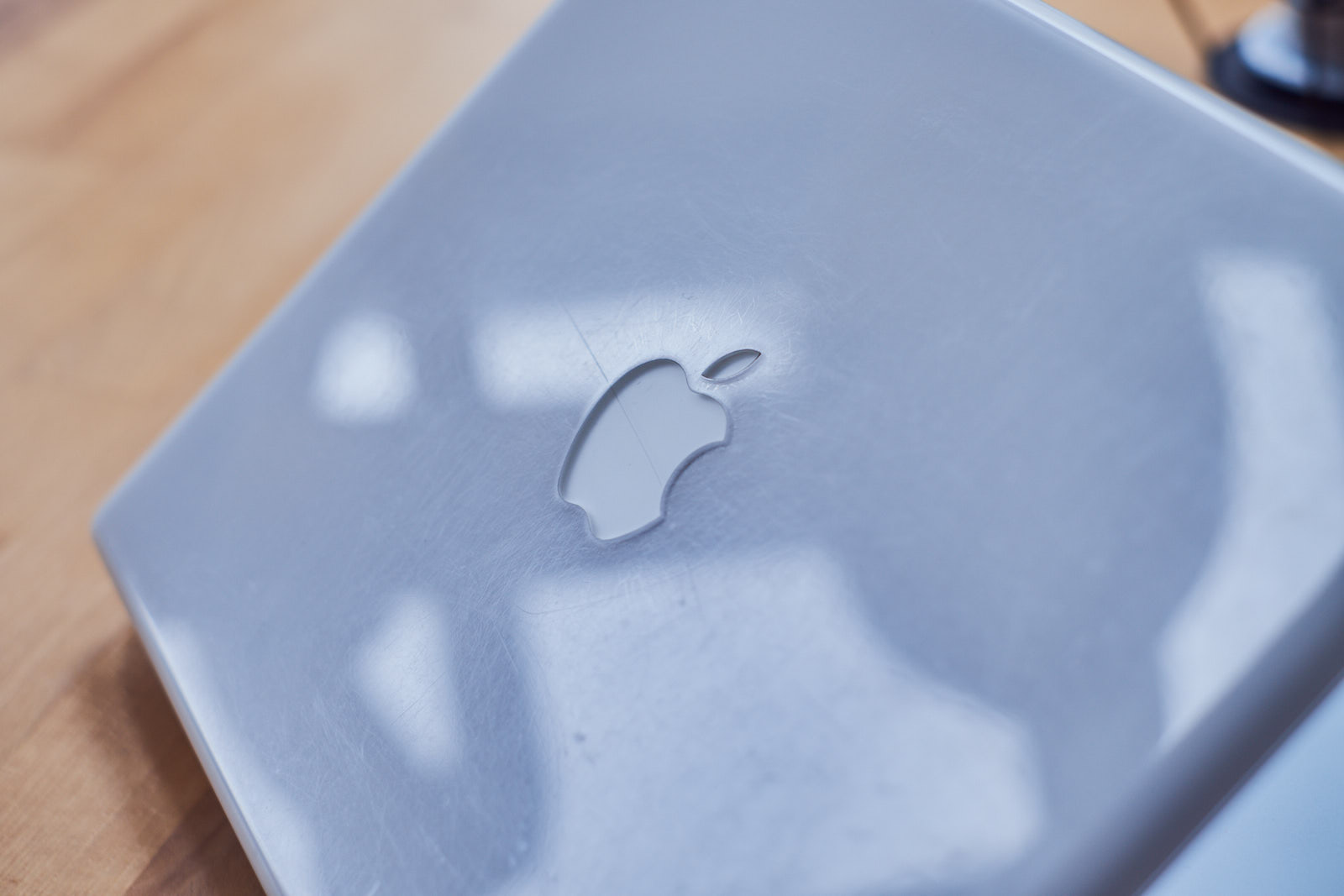
After receiving the Mac, the condition of the machine was better and worse than expected: Mostly it was just dirty, nothing some magic eraser could not fix. The rubber spacers on top of the display were broken and gone, and the port cover had a crack next to the modem port. There are quite a few, also deeper, scratches that I will try to remove by polishing later on.
After a first cleaning I wanted to remove the display back panel which is hold in place by four screws. Sadly, the forth screw was stuck, a bit worn and therefore – for the moment – impossible to remove. With three screws gone, I at least could clean the back panel a bit more thoroughly. As the rubber parts of the display were gone, I 3D printed some replacements and glued them into place. And while on it, I also replaced the yellowed rubber feets of the machine the same way.
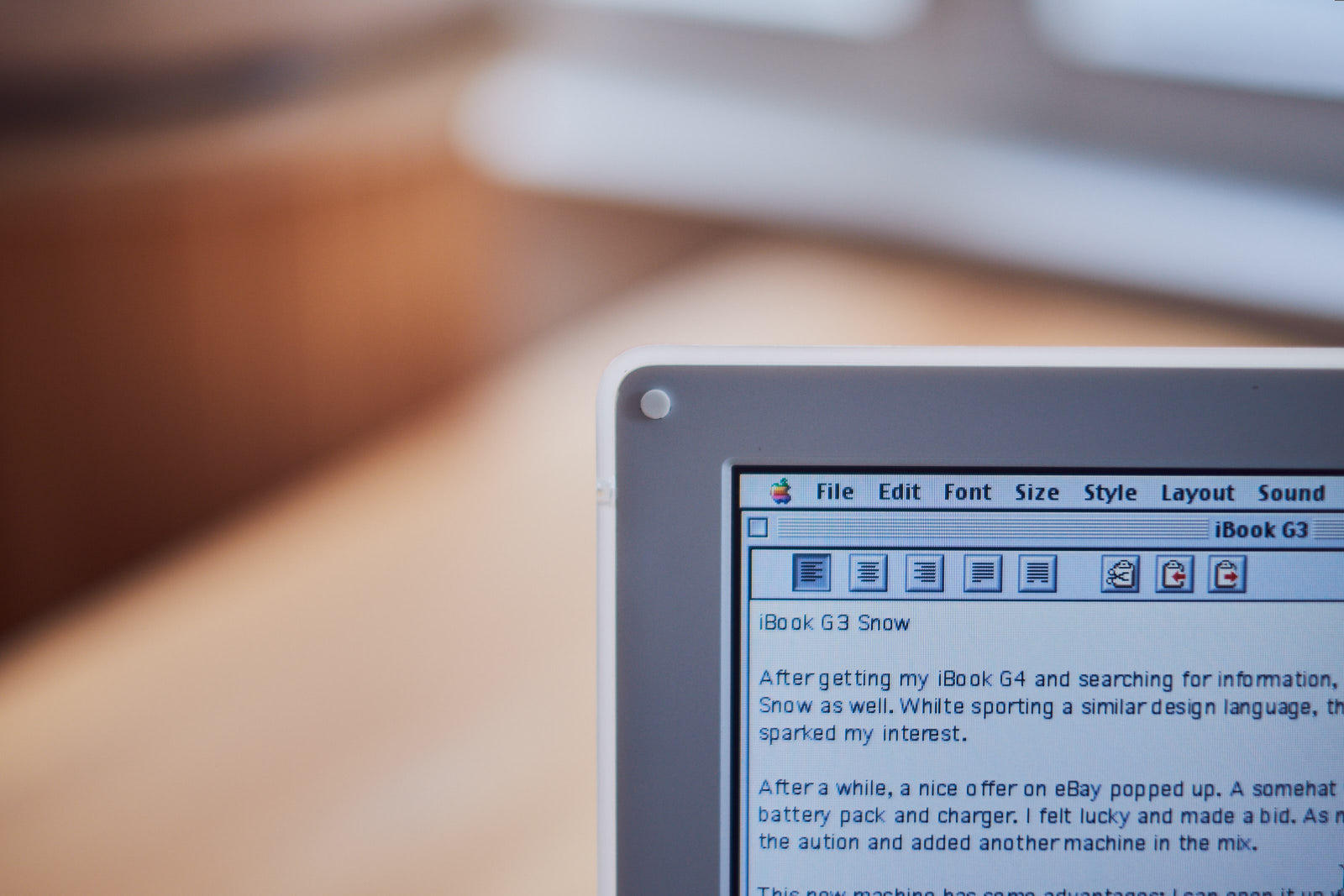
After digging around in the existing Mac OS X installation, nothing of interest caught my eye. So I took my G4, got a disk image for Mac OS 9 and burned it onto a CD. From here, I was able to format the internal 10 GB drive and install Mac OS 9.2.2 – only after initializing the hard-disk after formatting it, as I learned.
Booting up Mac OS 9 for the first time was quite an interesting experience. Although not unfamiliar, using the system is quite different to Mac OS X. Multitasking works different, starting applications and in general navigating the system will take some time to get used to it. But it's nice to see that some of the keyboard shortcuts I got used to were already in place.
Praised by many, the spatial Finder still feels strange to me. Since forever I'm used to have a single Finder (or Explorer) window, in which I can navigate the folder structure. On Mac OS 9, each folder opens in its dedicated window. It also retains its position, so closing and opening it will open it again in the same space. As someone who likes to bury content in file hierarchies, it takes some effort to use.
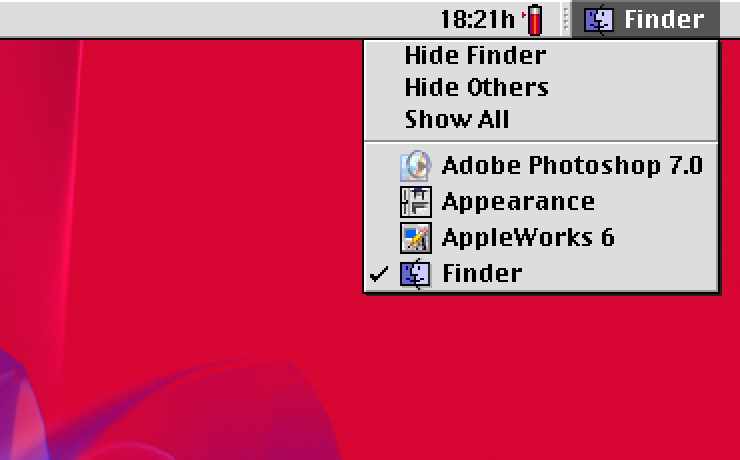
Easier to digest is the way I can change the active application. As the Dock has not yet invented in Mac OS 9 and the system uses cooperative multitasking, switching apps happens in the top right corner. This works for me, as there is basically only one application active at the same time.
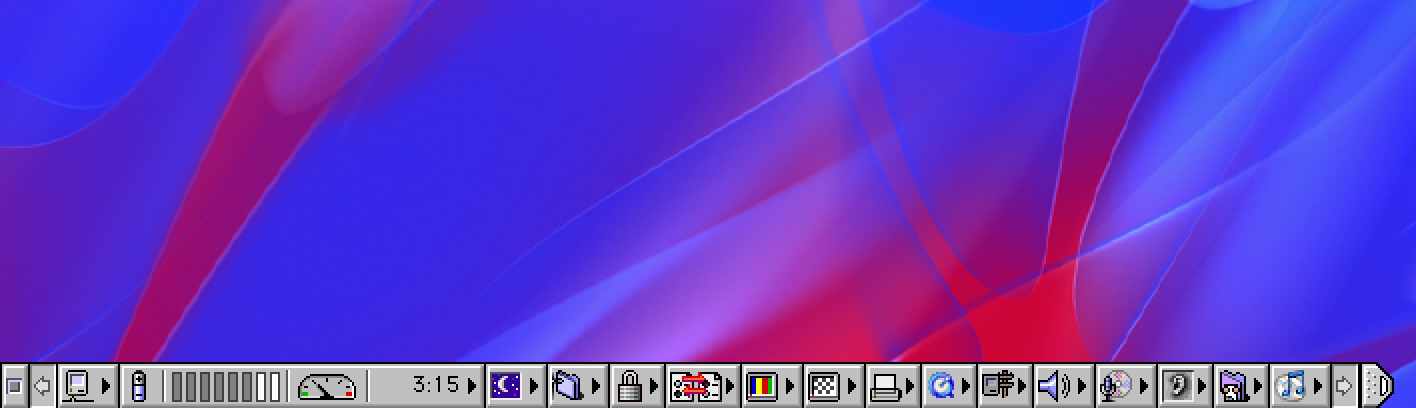
Instead of the Dock, Mac OS features a toolbar with quick access to settings like display resolution and color depth, printer selection and shortcuts to Quicktime and iTunes. The so called Control Strip can be collapsed. Did I mention that the hard disk of that machine is incredible loud? Fortunately, I can spin it down with two clicks from the strip.
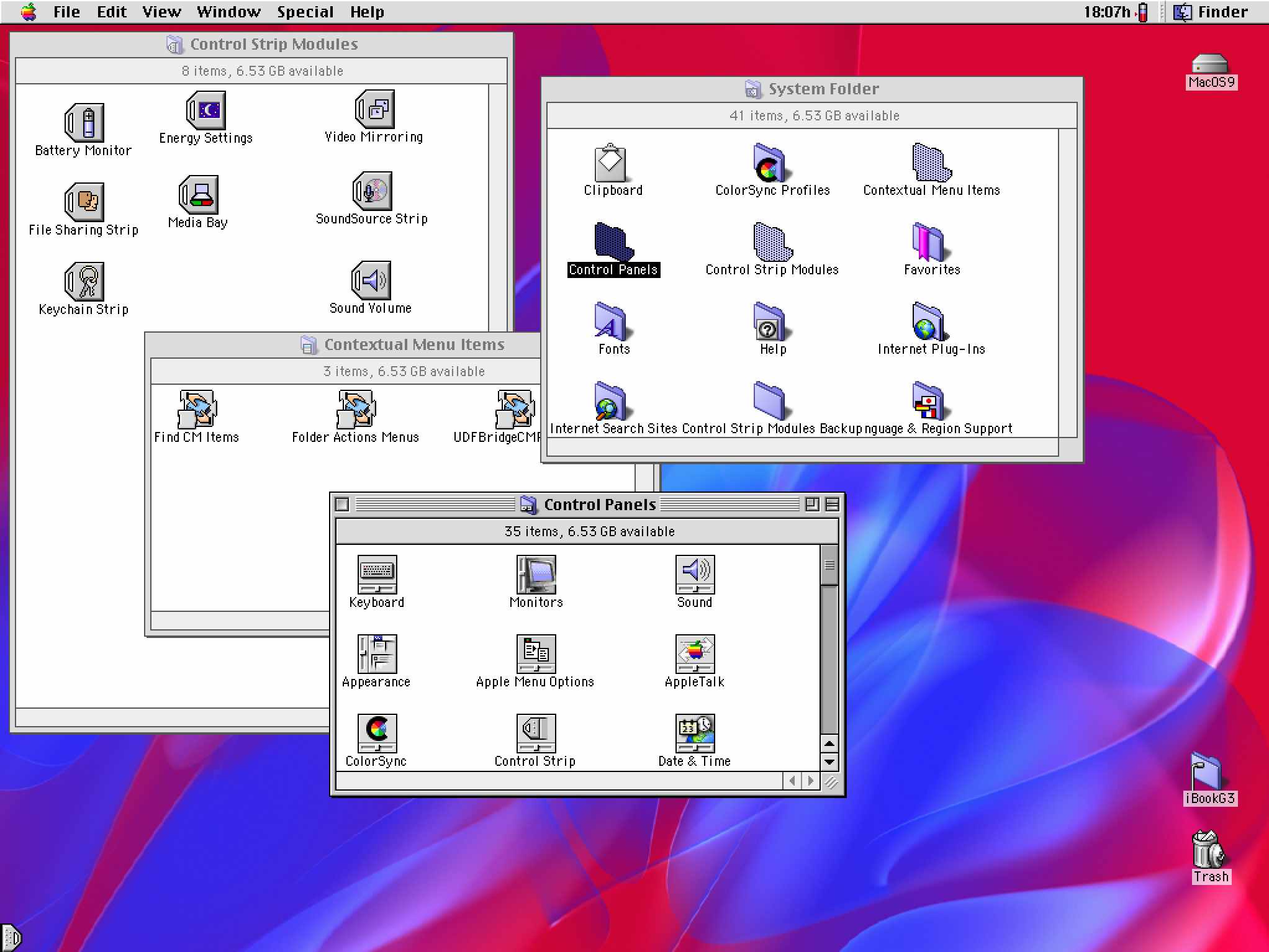
With iOS, Apple moved away from using files to just using apps, with the result that teenagers can struggle when data is only offered as a file, not in an app. With Mac OS 9 it is the opposite, as you can customize menus and entries by adding or removing files or symlinks from or to specific folders.
Another fun observation: Mac OS on PowerPC architecture can go absolutely reliable into standby mode when closing the lid of the computer, and keeps on working right after opening it. Why is this something special? I have not had a single Windows laptop that could or can do this (from my Surface Pro 5 with Windows 7 up until my Legion Go running Windows 11). More often than not the PC would not start again as the OS drained the battery completely over night.
On the software side, I had to get Tomb Raider 1, Apple Works (in which I type this text) and Photoshop onto the system. It's nice to see what stuck with me learning Photoshop something 20 years ago. And yes, creating an Aqua button like i had learned with some online tutorials back then still worked fine. It is just way more complicated than doing it with any modern software.
Playing Tomb Raider brought a lot of memories back. I still remember playing some levels with my childhood friend Martin at his father's PC many moons ago. Later, having my own PC, I got Tomb Raider 2 for Christmas (and convinced my parents to let me play the game early and so ahead of Christmas eve, I had played it through already. Obviously I never told them.)
Nevertheless I have to admit that the world within the game felt way more vivid and lifelike than it does today, but that could also just be me. Thanks to the Ati Rage 128 graphics chip (predecessor to the Ati/AMD Radeon series, actually the same chipset I had in my PC) the iBook comes with, at least everything plays nice and smoothly.
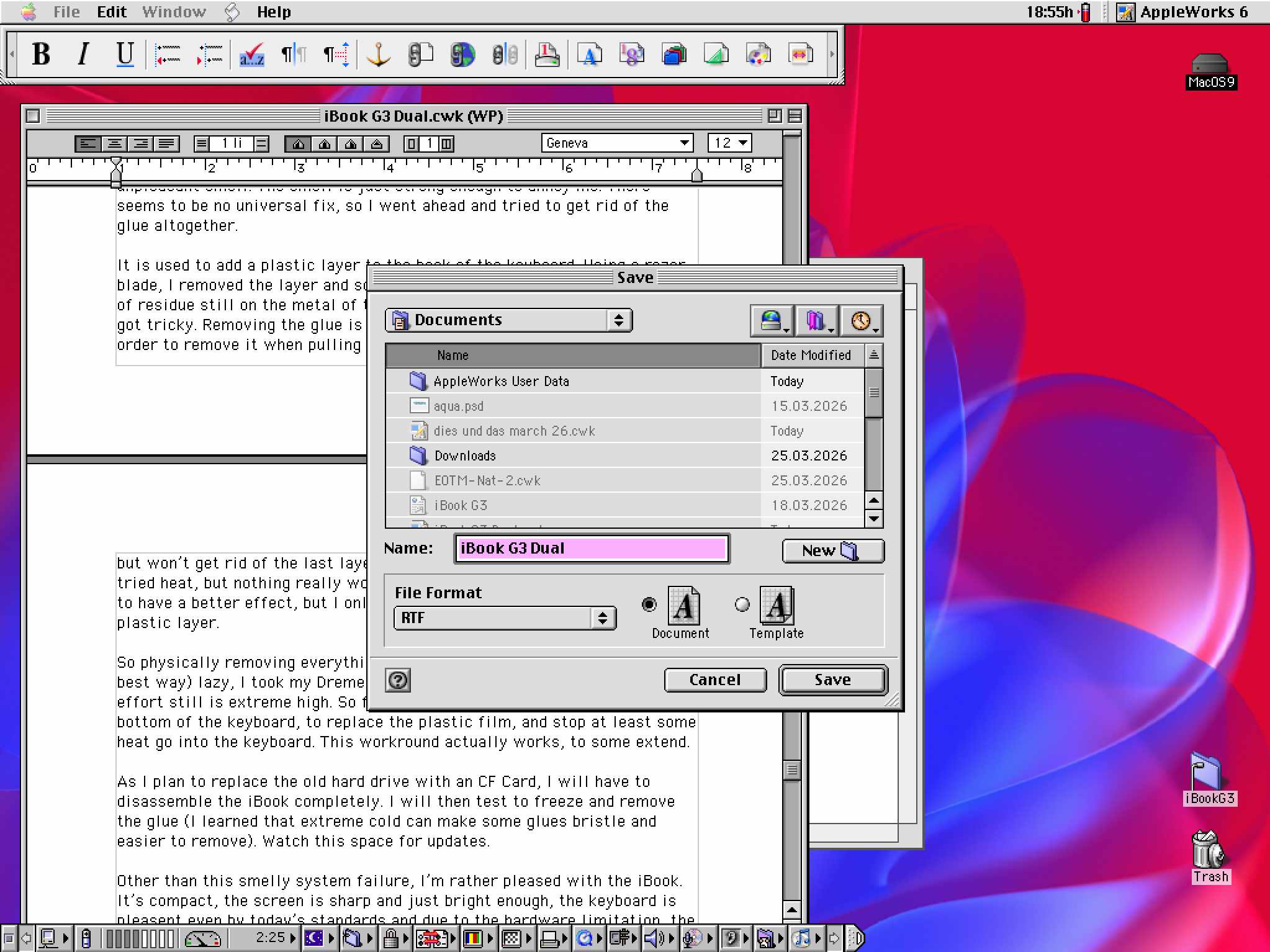
Apple Works does the job just fine, although I have yet to understand how to make it my fonts render nicely. Everything looks kind out of place, I would assume this is a limitation of my screen resolution in order to keep the type sharp.
I was also intrigued surfing the web on that machine, but Internet Explorer, which comes pre-installed on Mac OS, is as bad as I have remembered on Windows. Some things never change. For some reasons downloading software from macintoshgarden was extremely slow, 20 MB would took around 2 hours – a bit too much retro feeling for my liking, so I went ahead and installed Fetch in order to access a local FTP share and get files on and off the machine.
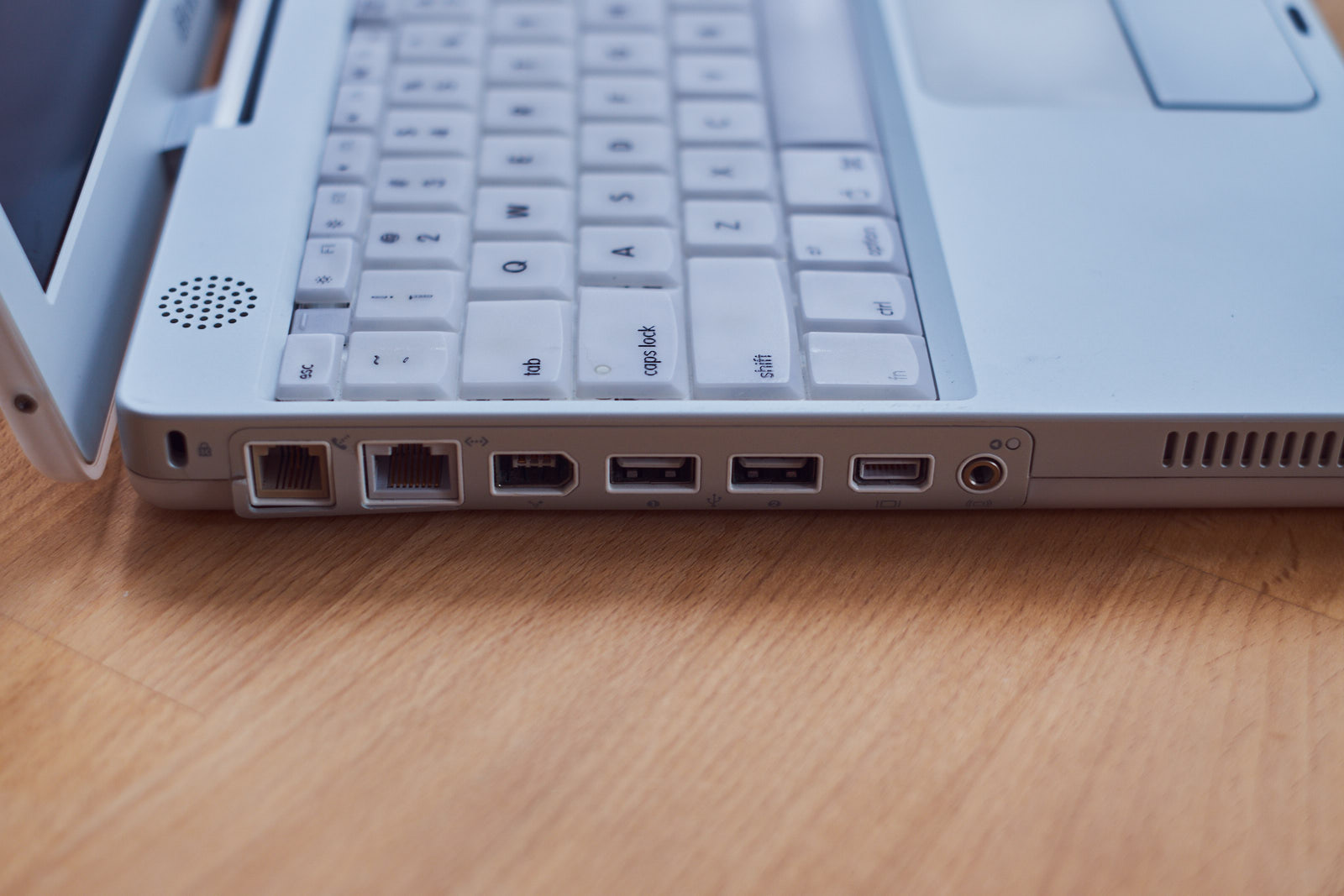
As my machine does not feature an Airport card, I had to switch to Ethernet. That works, but having a portable computer attached to a network cable feels just wrong. With the G4 Apple switched to card's format, so I cannot transfer the Airport Extreme card of my other Mac into this machine.
While surfing and playing, the machine got warm, which is to be expected, but also something else happened: I noticed a smell, not like burned electronics, but like – old sweat?
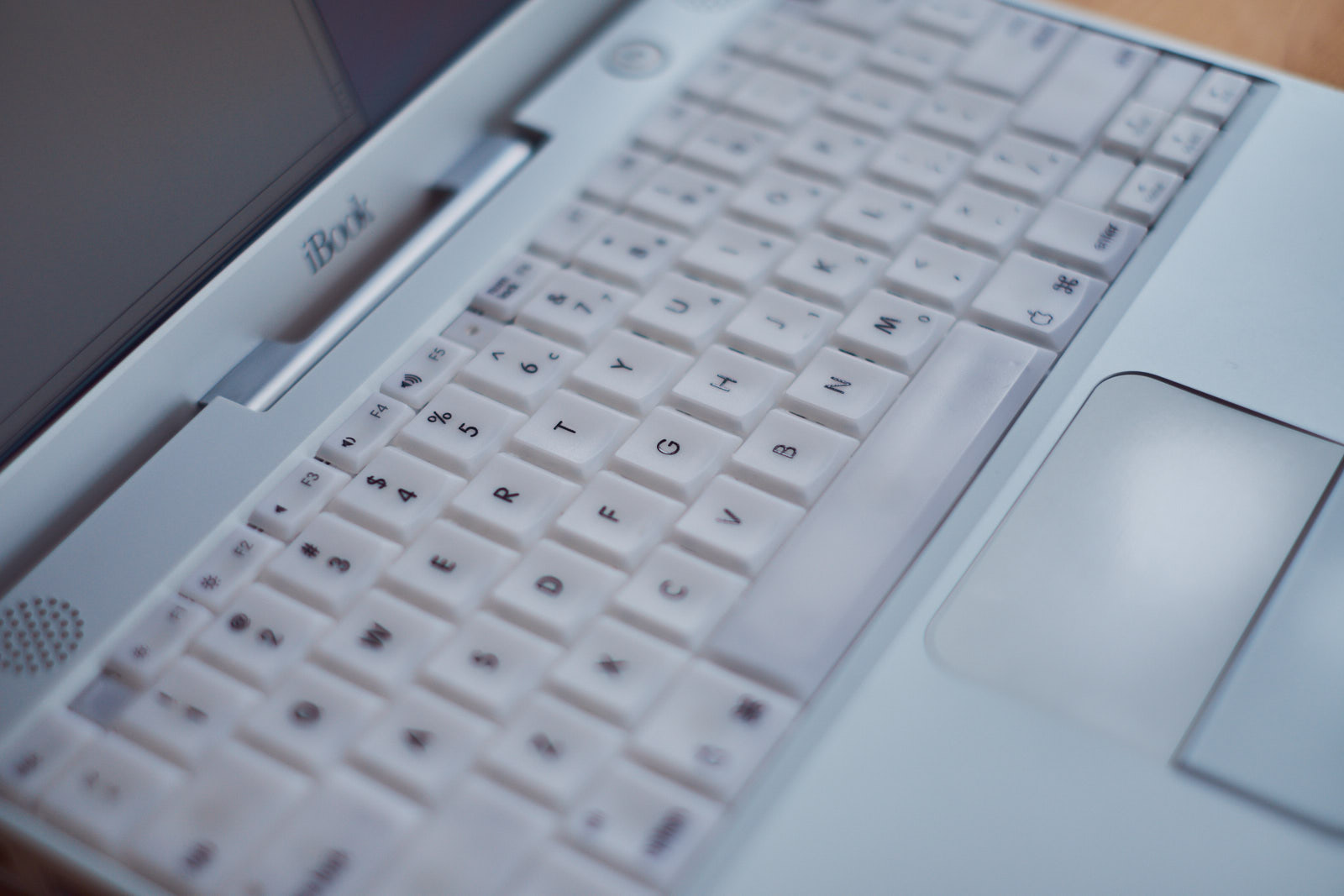
As I learned after a quick web search, the glue that is part of the keyboard assembly in that generation of iBooks can degrade, resulting in an unpleasant smell. The smell is just strong enough to annoy me. There seems to be no universal fix, so I went ahead and tried to get rid of the glue altogether.
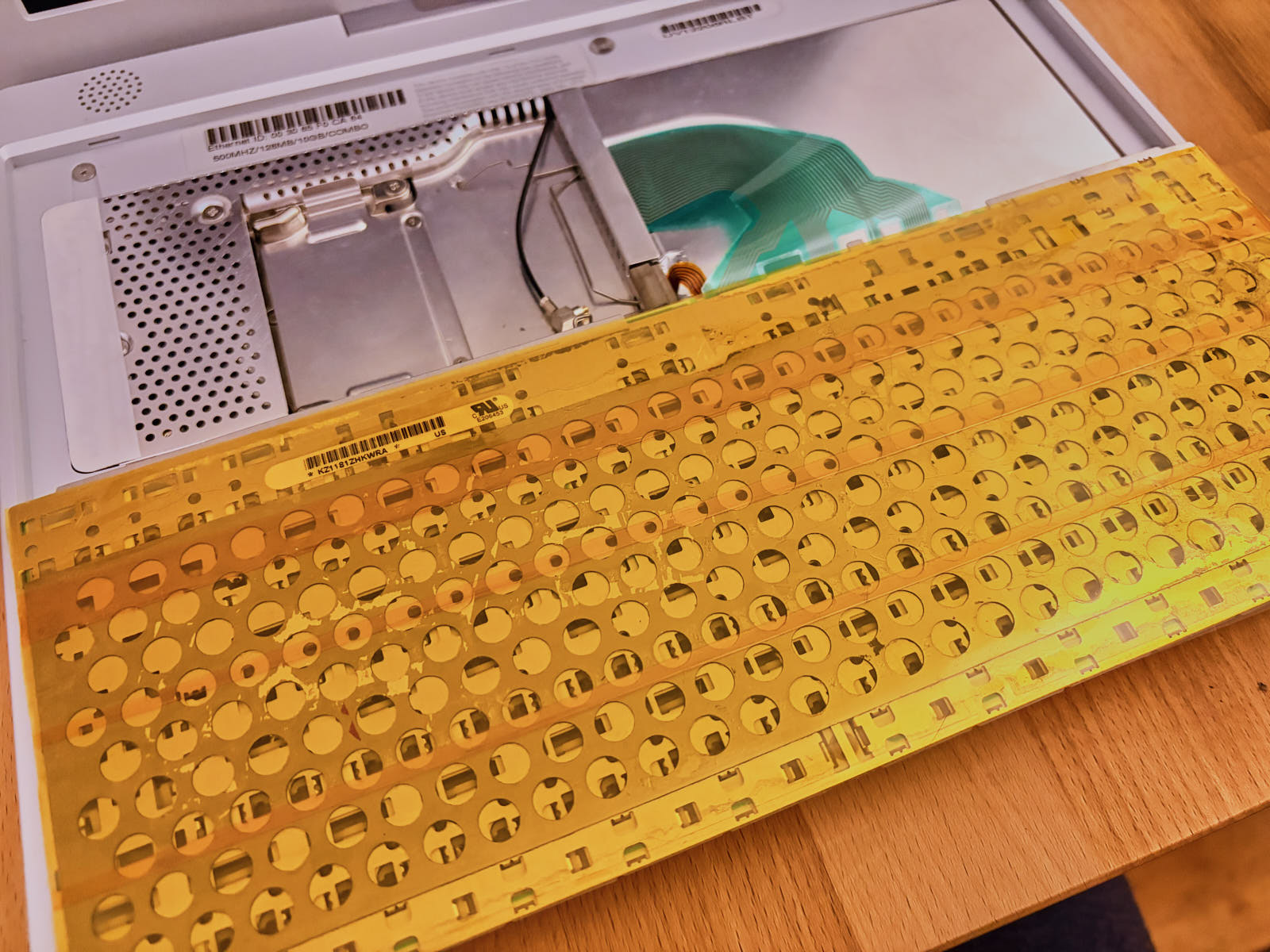
It is used to add a plastic layer to the back of the keyboard. Using a razor blade, I removed the layer and some of the glue as well. But there is a lot of residue still on the metal of the keyboard's backside. This is where it got tricky. Removing the glue is tedious. I tried to glue tape on top of it, in order to remove it when pulling the tape again. This to some extend works, but won't get rid of the last layer still stuck on the metal. I tried IPA, I tried heat, but nothing really worked. Neither did WD40. Regular oil seems to have a better effect, but I only felt like trying it on the residue of the plastic layer.
So physically removing everything away by hand it is. But as I'm (in the best way) lazy, I took my Dremel to the task. Still, mixed results as the effort still is extreme high. So for the moment I glued Kapton tape on the bottom of the keyboard, to replace the plastic film, and stop at least some heat go into the keyboard. This workaround actually works, to some extend.
 .
.
I will test to freeze and remove the glue this way (I learned that extreme cold can make some glues bristle and easier to remove). Watch this space for updates.
The last hardware modification was to replace the noisy 10GB hard disk drive with a flash based on, as seen here.
I was a bit afraid of taking apart the machine, as it includes a ton of steps and the need to remove the complete plastic case. To support me in my task, I took my G4 and printed some iFixit screw guides on my very old Canon printer. The good news: All went well, and only around two hours later the CF Card was installed and I was about to copy Mac OS 9 on it. I have to get used to this machine making basically no noises anymore.
Other than this smelly keyboard failure, I'm rather pleased with the iBook. It's compact, the screen is sharp and just bright enough, the keyboard is pleasant even by today’s standards and due to the hardware limitation, the iBook is a distraction free little machine to get some work and gaming done.