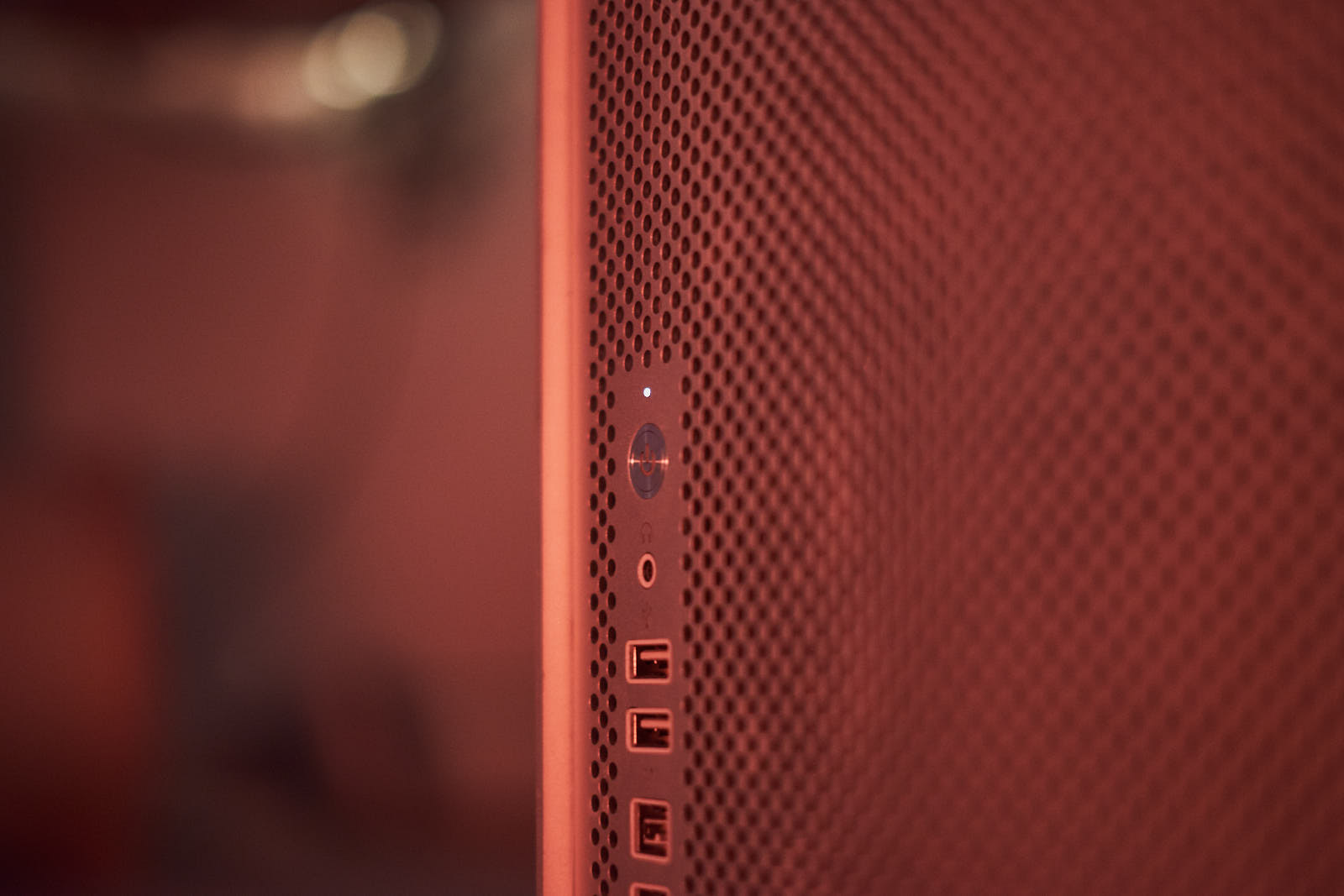
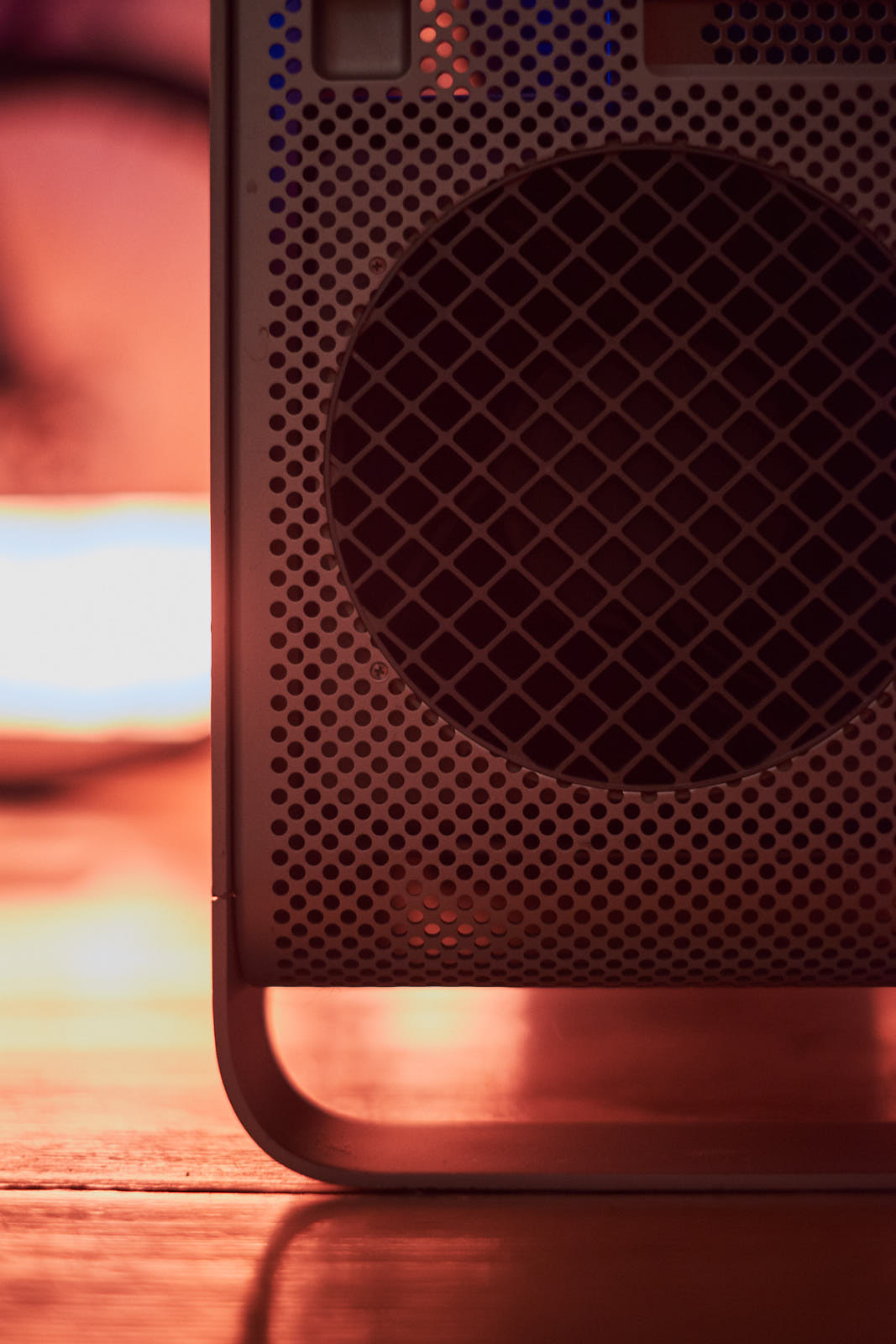
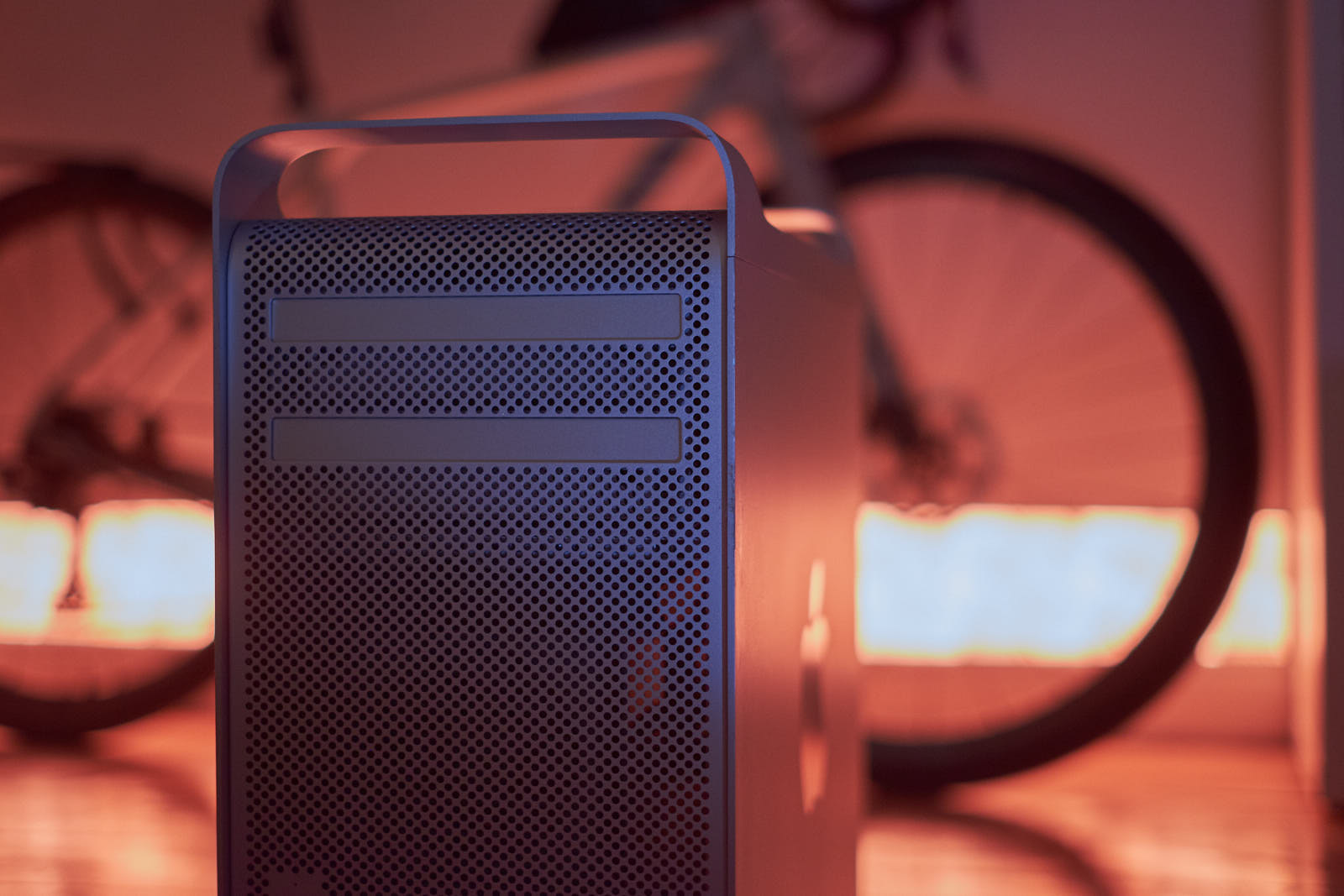
Apple Mac Pro 4,1 – A thrift store find and upgrade story
Some time ago, a friend brought me to a thrift store in order to find some used tools. In one dark corner there something caught my eye: Something shiny and special, two big silver towers, in between used TVs, plates and cups, antique pictures and just a lot of old and grim stuff.
In that very moment I got the strong feeling there was something that was missing in my life so far. Later that day, I had bought my first Mac Pro, in quite used but okay-ish condition, without any knowledge about the machine and what to do with it, or if it would even work.
Two years later I have some answers to this. But first let's get back to the beginning.
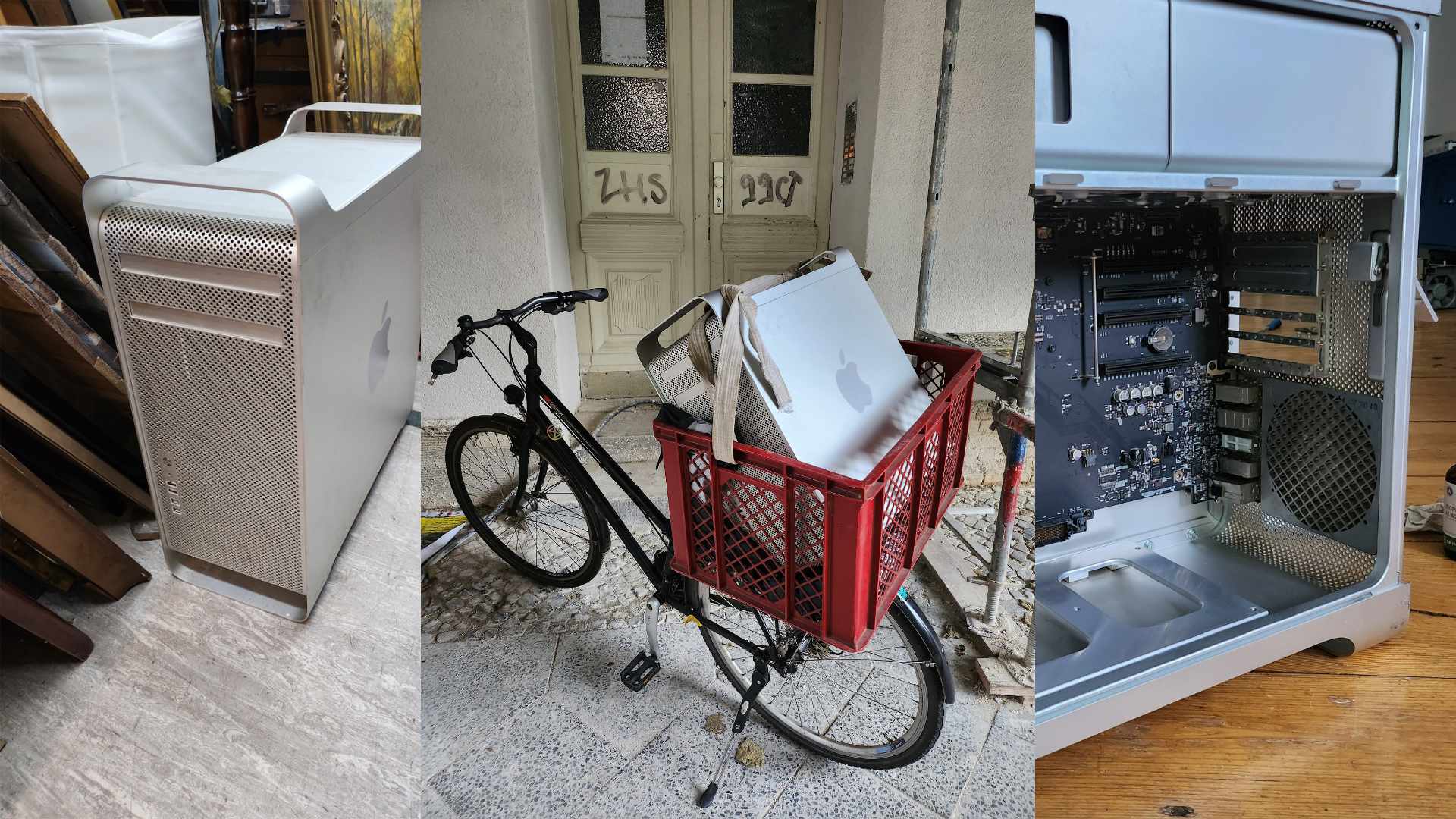
After making a good deal (the thrift store owner had no idea what these things actually were, other than noticing that there was a big apple logo on each side), I had to bring this big and heavy thing home first. Not owning a car anymore, I instead took my bike and attached a huge basket to it, in which the Mac Pro fit quite snugly. Finally home and upon closer inspection, I learned that I got a dual core 4,1, there were an SSD, a 2 TB hard drive next to the original Apple HDD, an ATI Radeon 5770 and 14 GB of RAM installed.
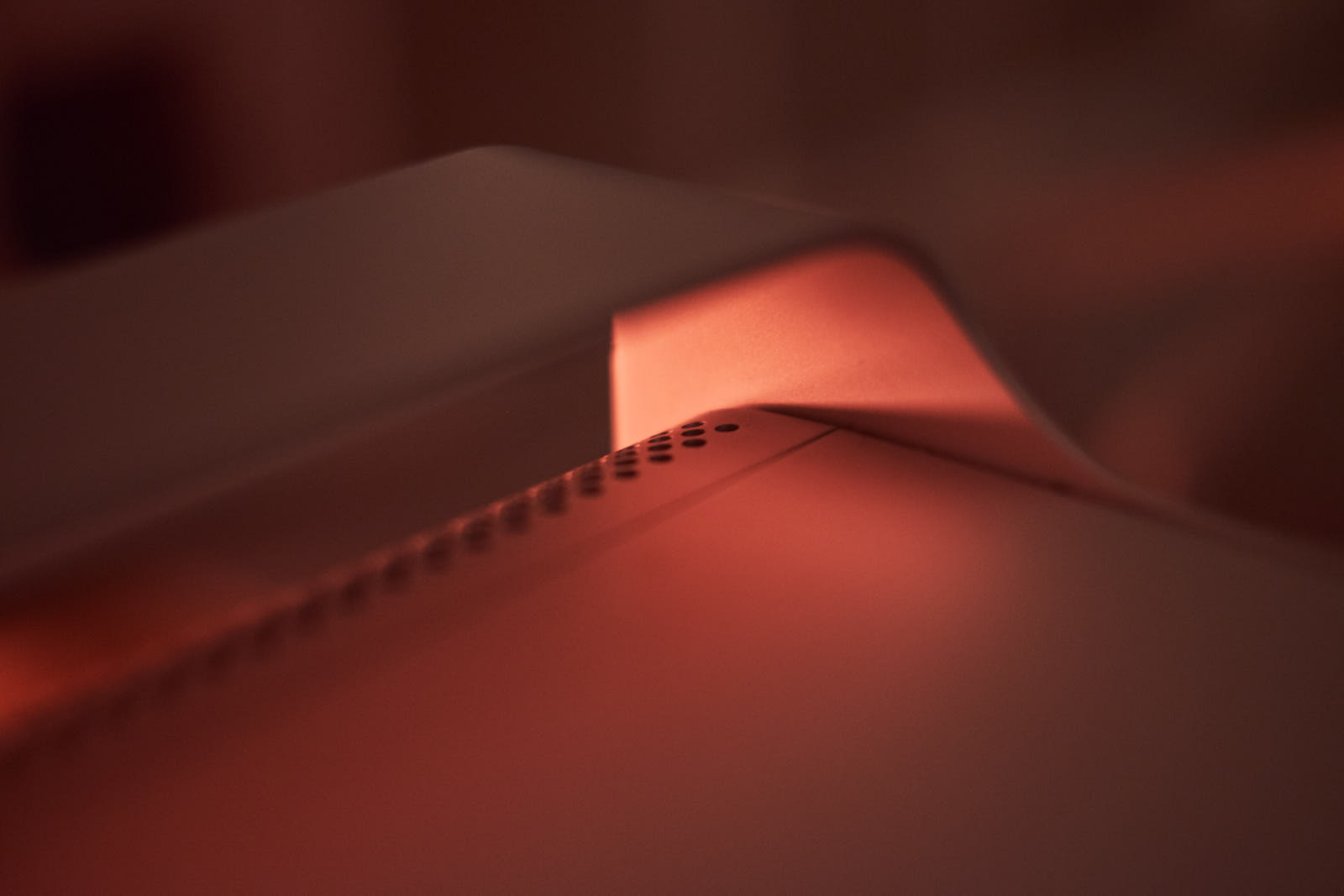
I could get Mac OS installed on the SSD, but the machine ran extremely slow, even taking its age into account. Right after trying to update to El Capitan, the Mac would only boot up to a grey screen. After much debugging using the Apple Service Manual and some help from tech wizards on Reddit, I at least could not find any major hardware defect. Resetting PRAM, SMC and RTC and testing some hard configurations did not help. Removing the SSD in the end helped, so I could make it boot, although from one of the HDDs.
With a now working computer, I obviously wanted to do more stuff. Mac OS El Capitan is the last officially supported Mac OS version for the 4,1, but Open Core allows to run later versions. To really make this work, it might require a faster hard drive, and maybe also a Metal-compatible graphics card.
So I went ahead, bought a cheap SSD, 32 GB of RAM, and a used AMD Radeon RX580. Installing everything was fun and painless, although the RAM would not work and I settled on 16GB. In addition, I did some MacOS upgrades that came with firmware upgrades, ending up with a computer that was basically a Mac Pro 5,1. Working with the newly upgraded (and cleaned) machine, I noticed sound in Mac OS 10.15 was distorted, with cracking sounds across all apps. I learned that there is a bug in the OS when ran in combination with my specific Xeon CPUs. And as my CPUs were never meant to be used with 10.15, Apple never fixed it. Not much could be done.
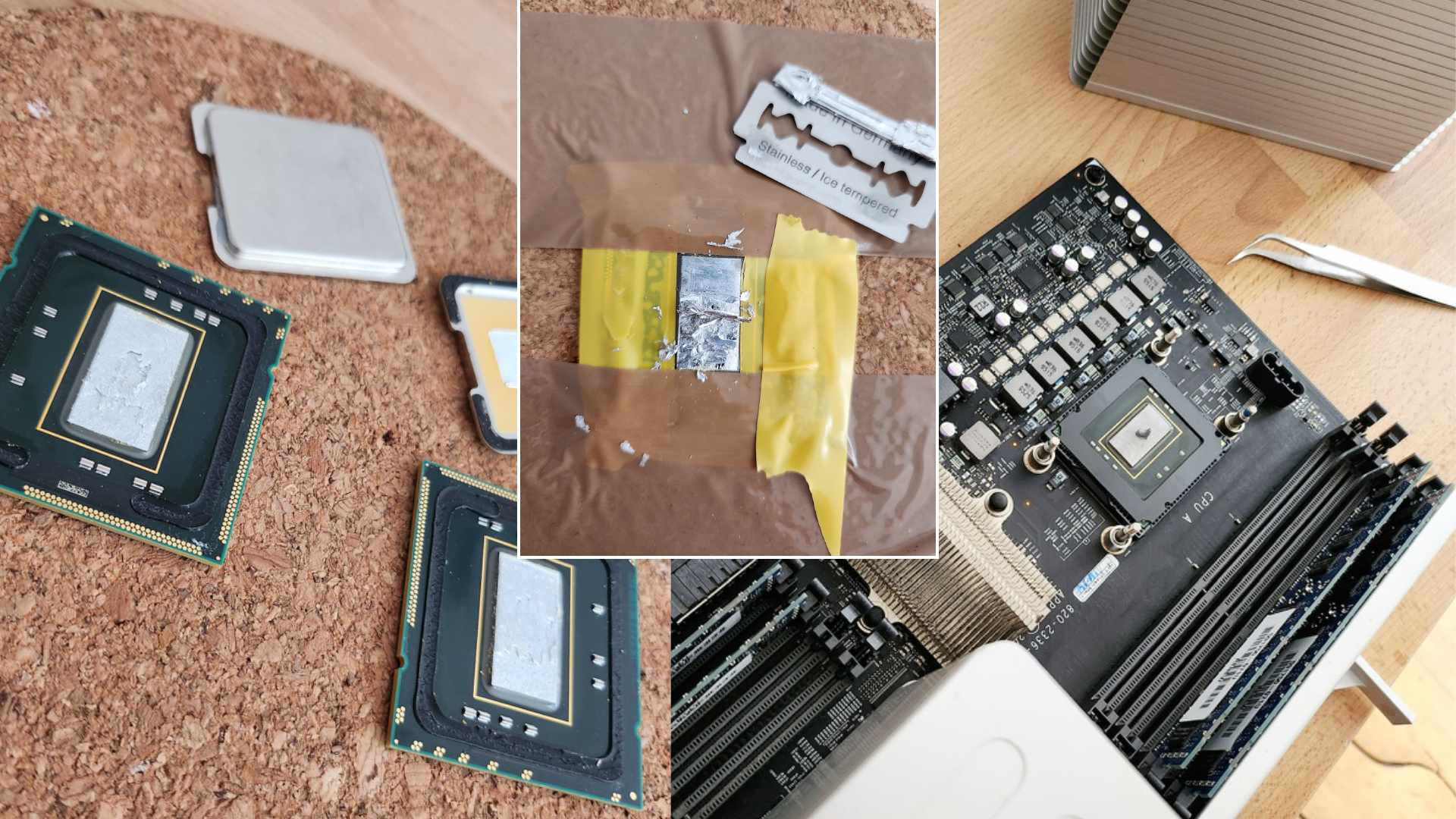
Not much other then buying two used compatible Xeon CPUs off eBay. I opted for the Xeon X5650 (Westmere-EP), not top of the line, but pretty capable with six cores each and up to 3.06 GHz. I vividly remembered how incredible expensive these CPUs were when they got released, now they cost me less than a lunch in a mediocre restaurant. But my investment came with a catch: Intel had some metal heat spreaders soldered on their CPUs by default, Apple did not have them in their 4,1 machines.
So after receiving the CPUs, I had to remove the soldered heat spreaders. They could be removed with some special tools available online. Or they can be removed with some force, using a vice, tools to scrape the solder off the die, and liquid metal to clean everything up and remove any last solder traces. With this minor modification I crossed my fingers and hoped I did neither damaged the motherboard, nor the CPUs in the process.
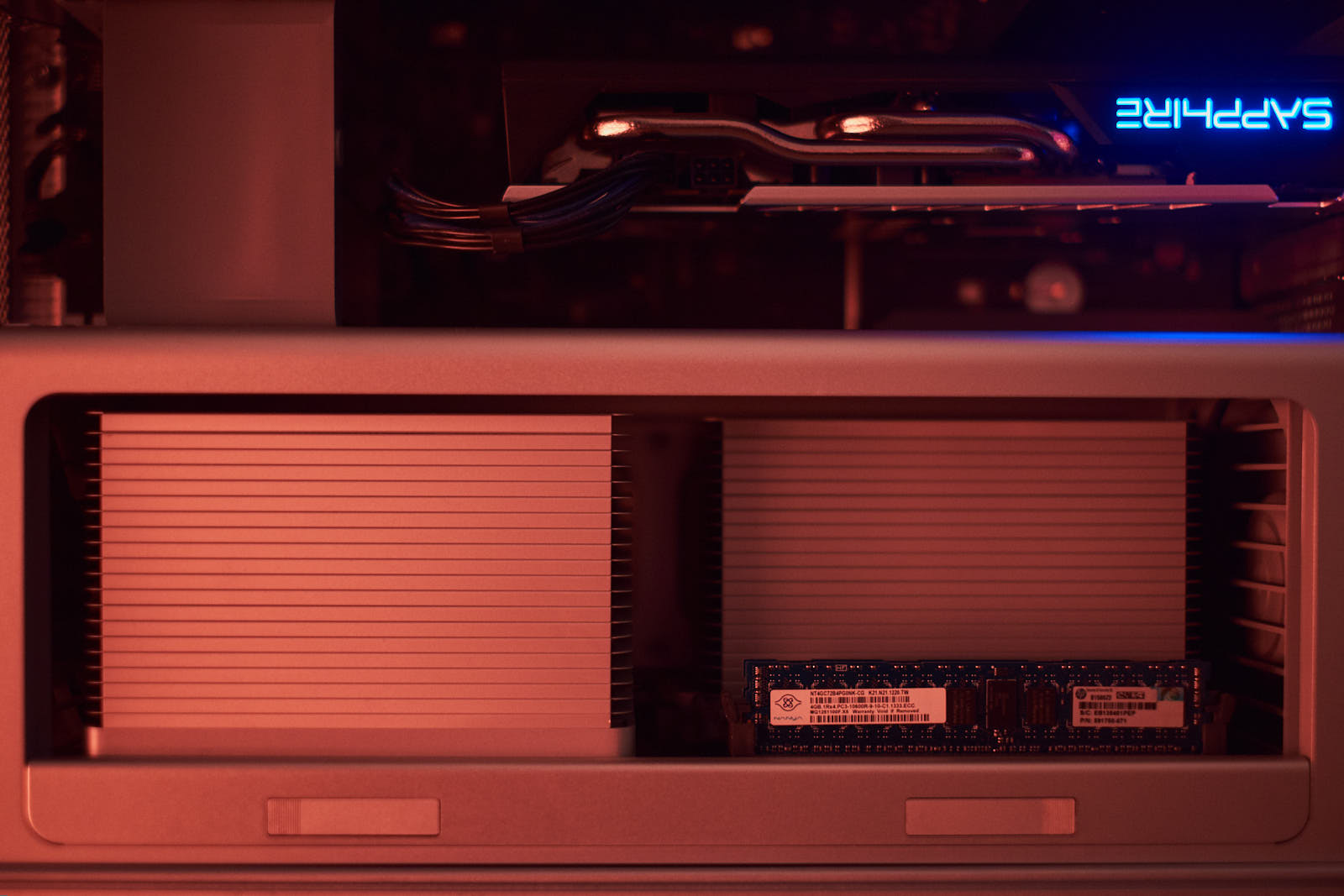
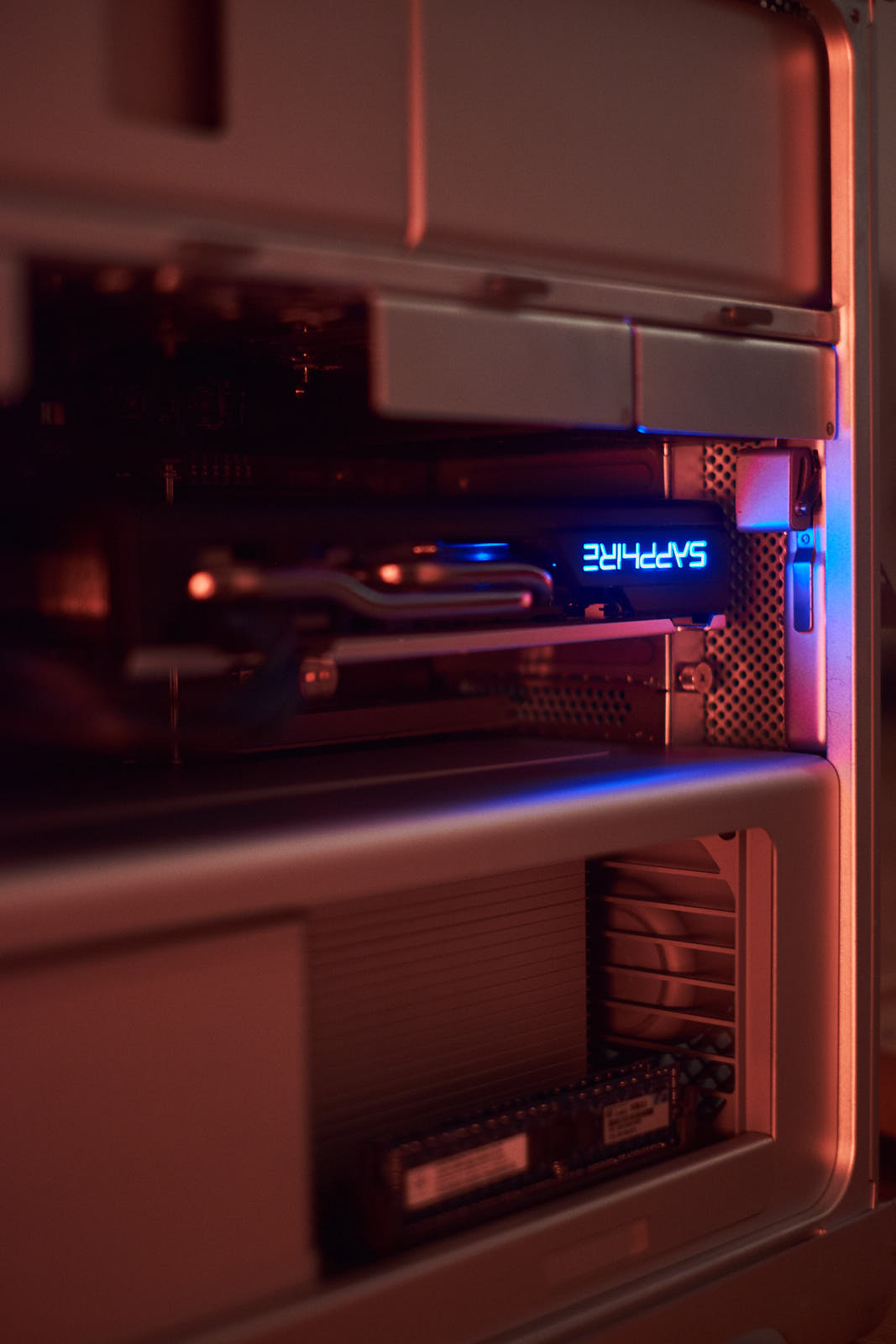
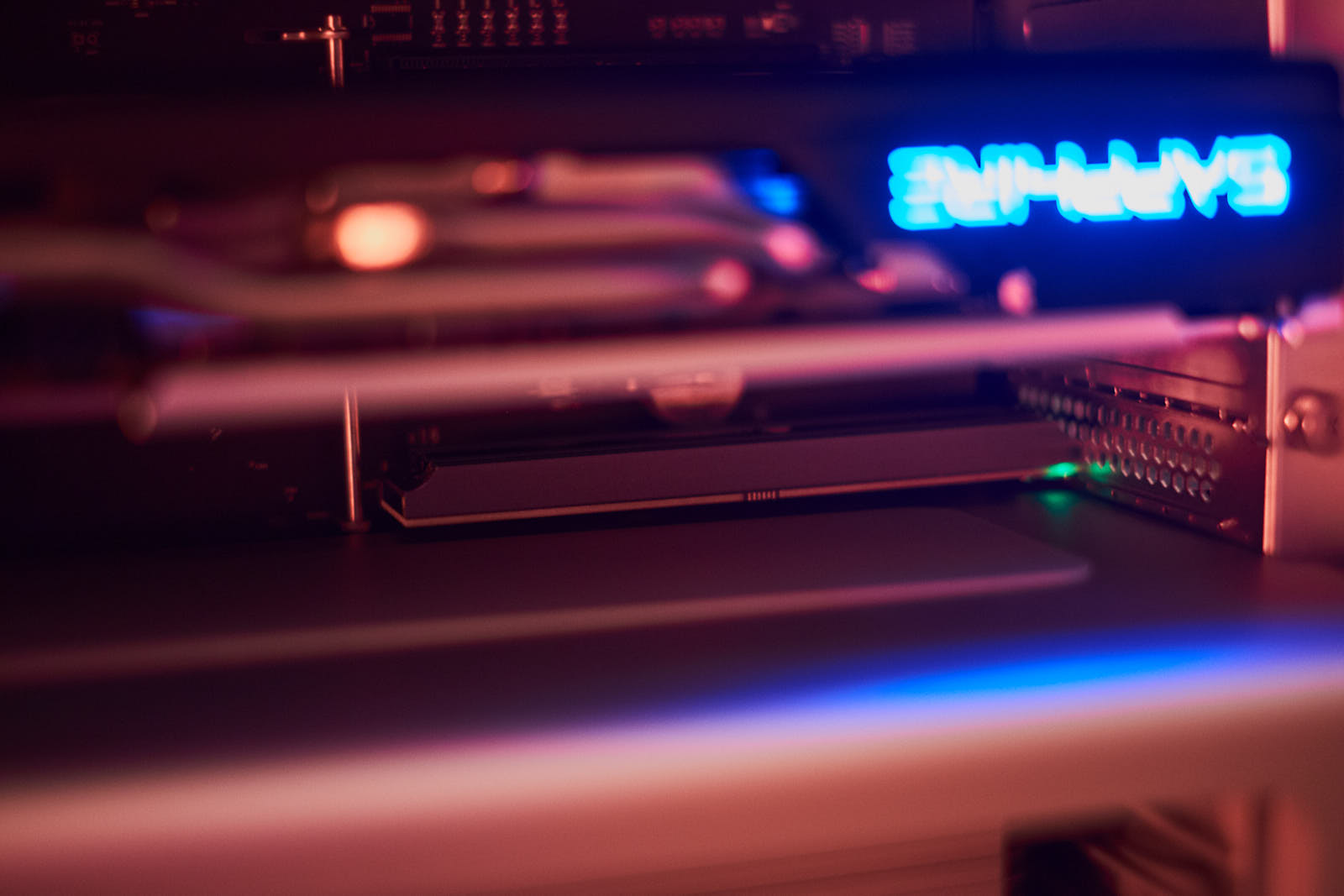
To my own surprise, everything worked. And Big Sur was running on the machine just fine. Now, two and a half years later, the SSD has failed. The only reasonable thing to do this time was to upgrade even further and add an NVME SSD, a PCIE-NVME adapter and hoping it would work. As prices for used components went through the roof. I did some minor research, went to Aliexpress and got some generic parts and crossed my fingers once more. I was lucky again. The only real obstacle in the upgrade was to move my graphics card a slot up in order to makes some space for the drive.
Finally I can also answer all the questions I had in the beginning: I've learned a lot about the Mac Pro and that generation of Apple hardware (in the end this experience made me get the iBook), made myself familiar with old service manuals and have a fully working machine, that I have no productive use for – but it looks nice.
The performance of the machine would be good enough for most tasks even today (I did some light photo editing on it, tried some gaming and was more than once browsing the web). And I like the clean look of Mac OS Big Sur, as it strikes a nice balance of still looking fresh, but not as overwhelming as Tahoe.
Nevertheless, I don't use the machine a lot: It's just to expensive to run. Idling alone consumes around 150 W, going up close to 300 W when in use. Using my (way more capable) Macbook Air M2 only takes around 5W. It's not even close.
I like to think of the Mac Pro like I think of a vintage sports car. I like to look at it, and every other Sunday, if the weather is fine and I'm in the mood, I take a joyride bringing me back to simpler times.